Session management
Save, restore, compare, merge, version, and auto-back up complex sessions with full tab metadata.
 Captain TabsChrome extension
Manifest V3-ready workflow control
Captain Tabs helps you group related tabs, save sessions, add notes, manage workspaces, and recover context instantly without breaking your browsing flow.
Windows, groups, notes, and positions restored exactly.
Cluster related tabs in one move and reduce clutter fast.
Capture complete browsing states, including windows and metadata.
Group, sort, mute, pin, and remove duplicates without leaving Chrome.
Built for notes, analytics, automations, and workspace-style browsing workflows.
Core capabilities
Save, restore, compare, merge, version, and auto-back up complex sessions with full tab metadata.
Group tabs by domain, sort by title or recency, and keep related work collected into clear sets.
Create project-focused spaces and switch contexts quickly when moving between clients, research, and tasks.
Define conditions and actions to close, pin, mute, discard, or regroup tabs automatically.
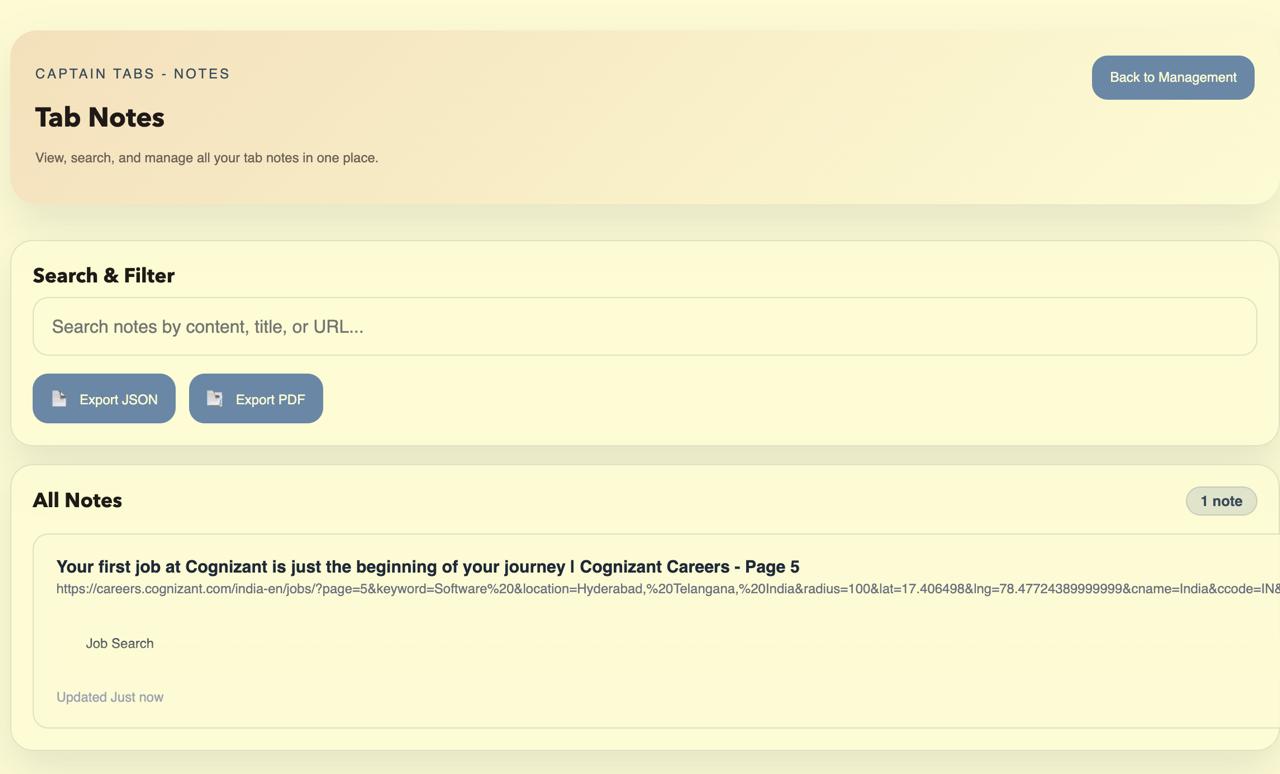
Attach notes directly to tabs so research, follow-ups, and reminders stay tied to the right page.
Track browsing patterns and support deeper productivity workflows with structured extension data.
Product showcase
The main experience gives quick access to grouping, notes, search, and workflow actions without feeling cramped.
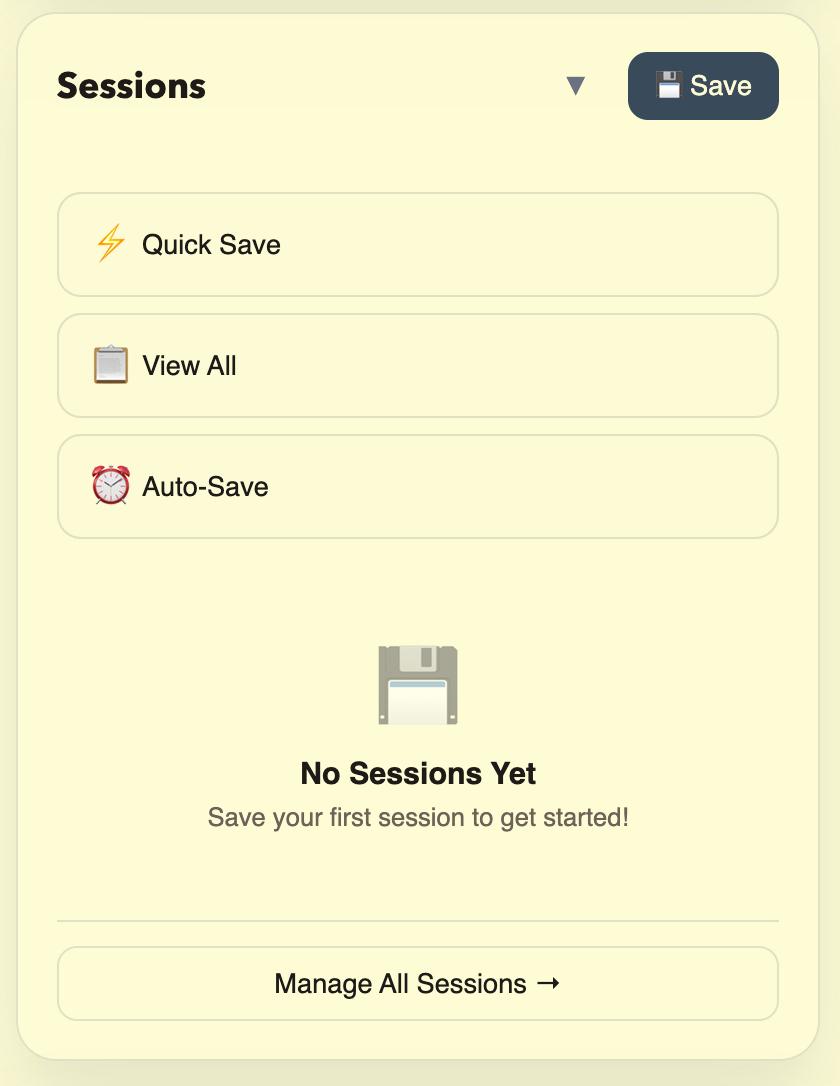
Keep project context safe with named sessions, metadata, and reliable restore behavior.
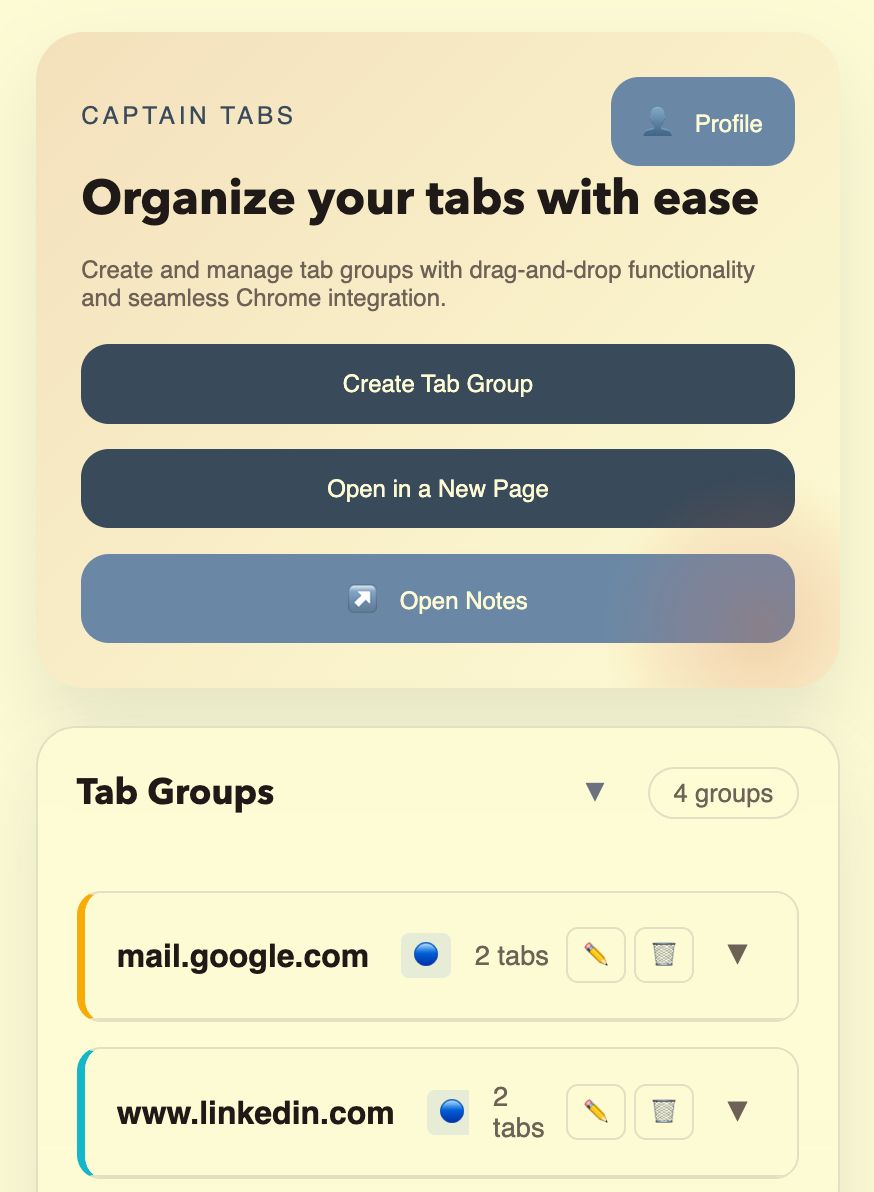
Create groups, move tabs, update labels, and keep native browser organization in sync.
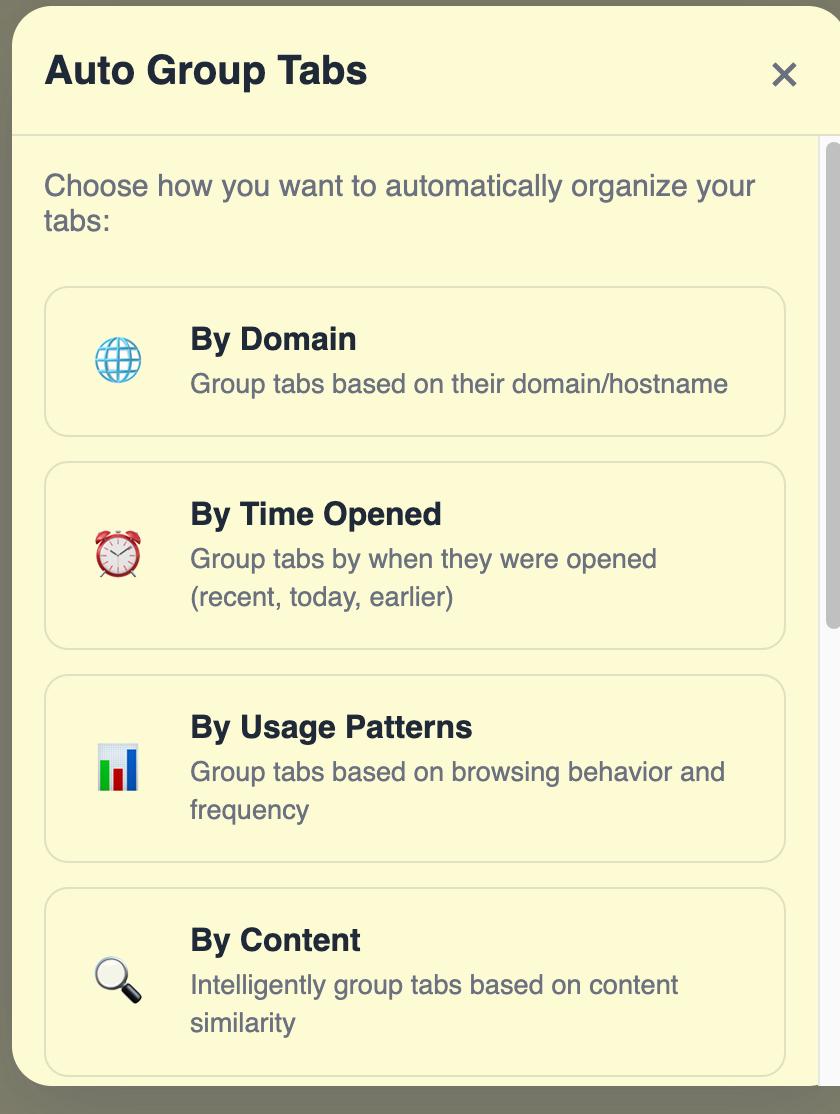
Use domain-based logic and rule-driven actions to keep your browser clean as you work.
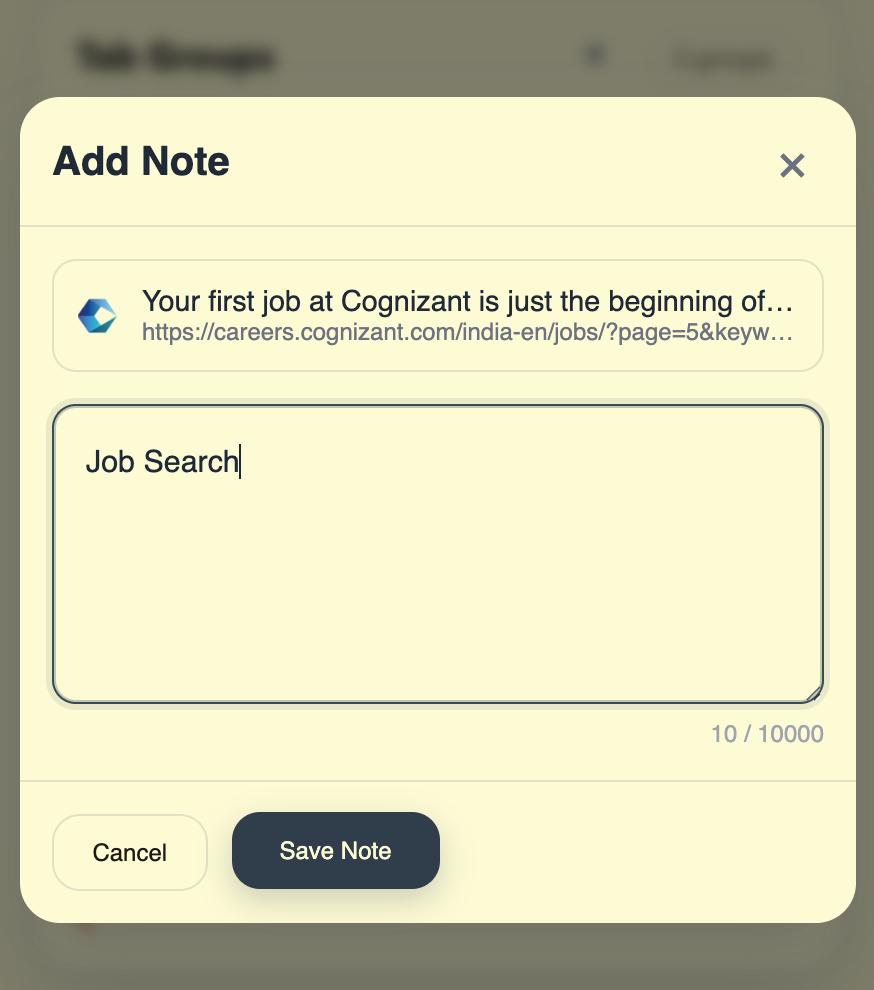
Capture ideas, reminders, and page-specific details without exporting your thinking to another tool.
Why it works
Preserve all open tabs, windows, notes, and structure before closing out a task.
Sort, group, deduplicate, mute, or pin tabs in bulk to reduce decision fatigue.
Restore a session exactly where you left off and pick work back up without hunting.
Pricing
Start with a 15-day free trial.
Basic tab management for casual users.
Advanced features for power users and professionals.
AI Features coming soon!
Speed
Open the Captain Tabs popup
Launch full-page tab search
Group tabs by domain
Remove duplicate tabs
FAQ
Captain Tabs helps you manage Chrome tabs more efficiently by saving sessions, organizing tabs, grouping related pages, removing clutter, and restoring browsing context when you need it again.
Yes. Captain Tabs is built to save tab sessions and restore them later, helping you return to the same working context without manually reopening everything.
Yes. Captain Tabs supports Chrome Tab Groups so you can organize tabs visually, keep related pages together, and manage grouped browsing more naturally.
Yes. Captain Tabs includes tab note functionality so you can keep reminders, research context, and page-specific notes connected to the right tab.
Yes. Captain Tabs supports keyboard shortcuts for actions like opening the popup, searching tabs, grouping by domain, and removing duplicates.
Yes. The current version is being offered for free.